
 PL
 HU
 EN
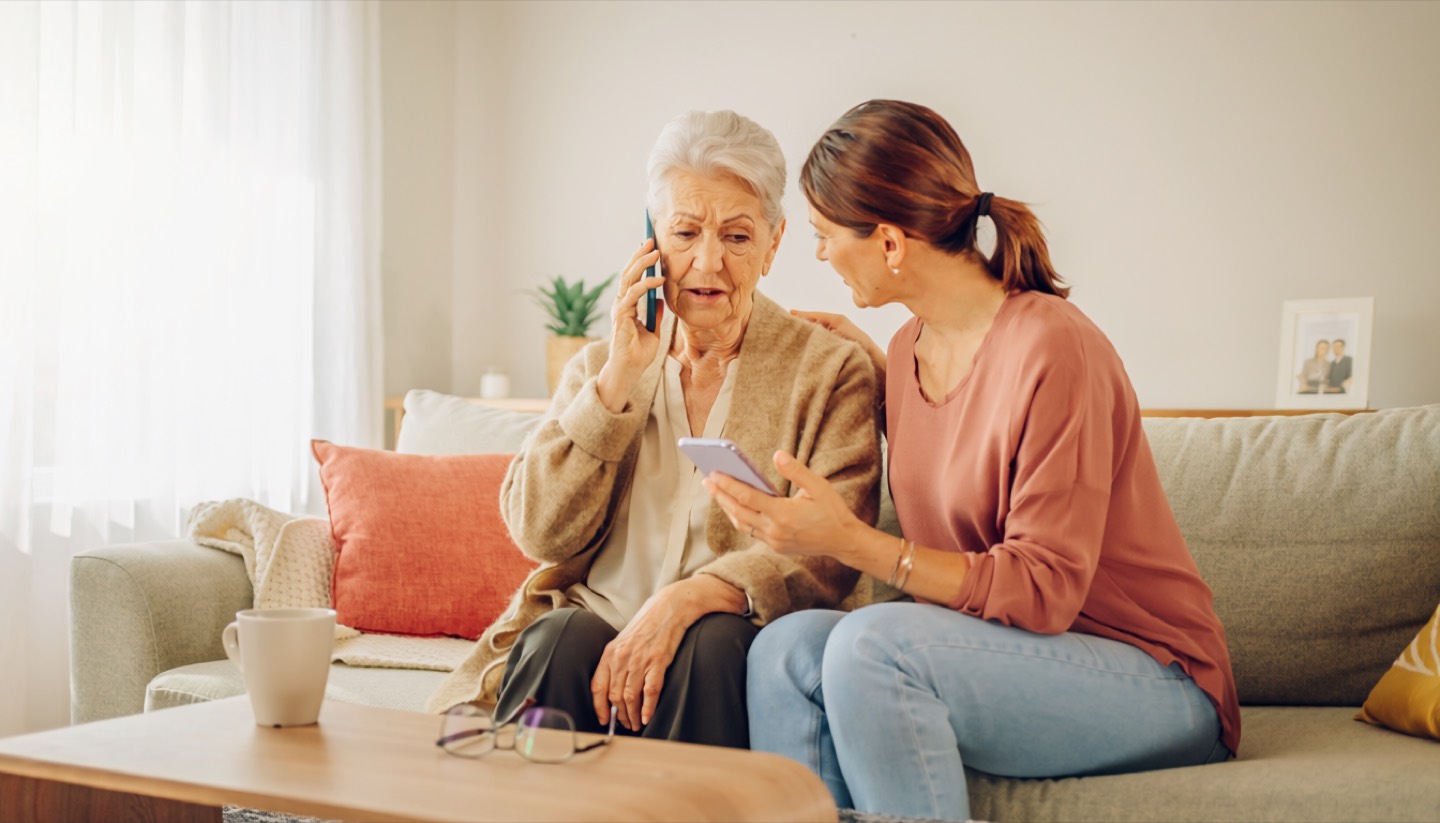
A call that sounds completely professional
"Good morning, I'm calling from the fraud department. We've detected a suspicious transaction on your account. We need to verify your details immediately to block unauthorised access." The voice is calm, polite, uses professional language. That's no accident | scammers deliberately sound this way, because professionalism builds trust faster than almost anything else.
After a moment comes the request: give your online banking password, read out the code from a text message, install a remote-access app "for verification purposes". Every one of these requests leads to the same goal | taking over your account.
Why a phone number is not proof
Many people trust the caller because their bank's customer service number appears on the screen. That's understandable | for years people were taught to "check who's calling". The problem is that a technique called spoofing lets scammers fake any number displayed on the recipient's screen. It's cheap, widely available, and used even by small-time criminals.
This means that seeing a familiar number on your screen tells you absolutely nothing about who is really calling. That's one of the most important things to take away from this article.
The golden rule of banks
No real bank will ever, under any circumstances, ask you over the phone to:
- Provide your full online banking password
- Read out a text message code authorising a transaction
- Install a remote-access app on your computer or phone
- Transfer money to a "security account" or "technical account"
This rule has no exceptions. If you hear any of these requests | no matter how convincing the caller sounds | you're dealing with a scam.
What to do during a call like this
Hang up. You don't need to explain yourself or apologise | just say "I'll check this myself" and put the phone down. No honest bank employee would be offended by that reaction, because it's exactly what banks themselves teach their customers to do.
Then call your bank yourself, using the number printed on the back of your payment card or on the bank's official website, typed manually into your browser. Never call back the number the suspicious call came from | you might end up back with the scammers.
How we practise this in the ODYSSEY course
In the "Recognise the scam" module you'll find an interactive simulation of exactly this kind of phone call. You practise recognising requests for codes and passwords, learn to safely hang up, and check the bank's number only from a trusted source.